
 English
  Français
Prerequisites for these challenges: having completed the 5 chapters of the tutorial and having the complete, functional code of the project. 😉
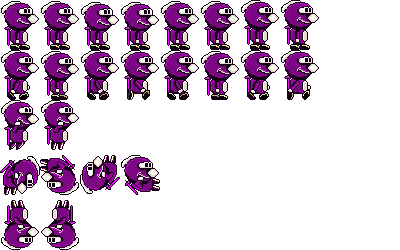
rabidjette.png
Now it's time for the challenges to check if you followed this tutorial correctly! 😅
This will allow you to reach, at your choice (or according to your skills) 3 levels: level 1 (super easy) corresponds to the score of 12/20, level 2 , easy, corresponds to the score of 14/20. Finally, level 3, a little more complicated (but with more help) allows you to reach the coveted score of 20/20! 🤩
Be careful, proceed in order 1, 2 and 3. Do not start the next challenge without having succeeded the 1st (otherwise, you will have 0/20 😞). It's your turn! 😜
LEVEL 1Very easy 12 / 20 |
The goal of this first challenge is to replace the spritesheet rabidja.png with rabidjette.png . You can download it above and it will be useful for all 3 challenges. |
Tips: Copy the file to the right place, along with the other one. In Constants, change the name of the file . And it's good! 😸 |
LEVEL 2Easy 14 / 20 |
You will take the previous code after having it validated by your teacher. 🙃 Now you will change the keys to move Rabidjette:
|
Everything will happen in the Main() file . Look for key detection and replace the old key code with the new one . To find the code for the new keys, you will use the Pygame documentation here . |
LEVEL 3AVERAGE 20 / 20 |
Well, this is a bit more complicated, but for a 20/20 , it's worth a try, right? 🙀 We'll have to add a second player! 😅 We will therefore have two players simultaneously on the screen: Rabidja and Rabidjette. Each player will start at one end of the map (left and right). Player 1 will move with the keys: Left/Right Arrows + Right Shift. Player 2 will move with the keys: Q / D + SPACE bar. |
For this tutorial, you will have to reuse techniques from the two previous challenges . You will need to load the two spritesheets : rabidja and rabidjette . Creating a second player may seem complicated, but it's actually very simple thanks to our class system ! 😎 All you have to do is: player1 = Player(1) In our Player class, we will need to retrieve the player number to load its correct spritesheet like: class Player : def __init__ (self, PlayerNb ): Then, once we have our two players, we can test the keys using player1.input or player2.input (easy!! 🤪) Likewise, for updating or displaying sprites, simply do: #We update player 1 then 2 Okay, come on, I'll let you search for the rest, I'm not going to tell you everything either! 😅 |
There you have it, at the end of the three challenges, you will have Rabidja and Rabidjette having fun in the forest! 🥳
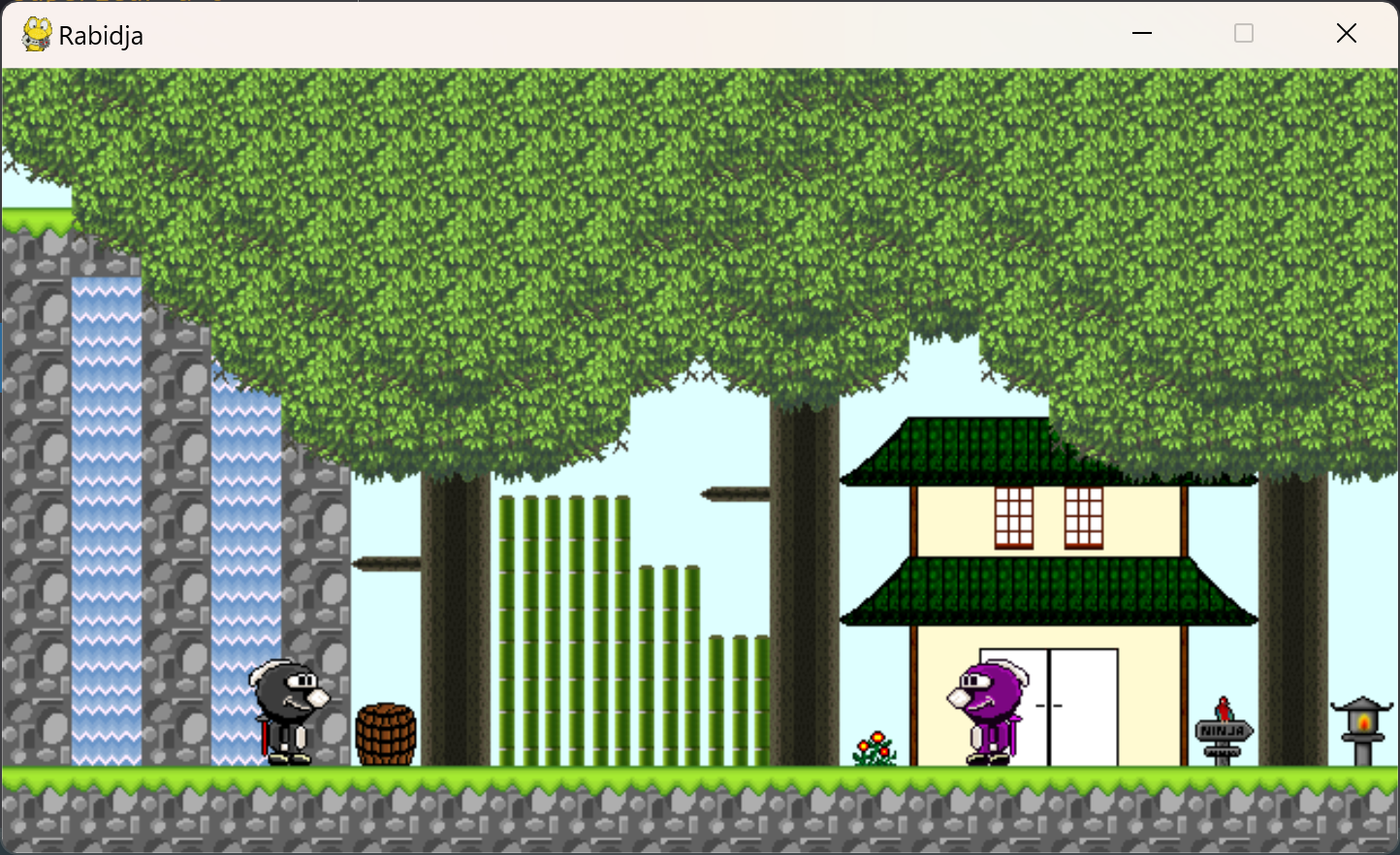
Well, as a 2-player game, it's a bit limited 😶, but if we go further, it's going to be MUCH more complicated 🥵. However, if you're interested, the SDL and SFML tutorials on the site are open to you! 😁
Have fun! 😄
NB: As I use these challenges as tests for my own students, I cannot put the correction online. Sorry. 😞