
 English
  Français
Chapter 5: Let's do some operations!
Now let's get down to business! 😮
We will ask the user to enter data and we will process it by performing basic operations. ☺️
Ask the user to enter data using the input() function
For now, we have entered the values of our variables directly into the source code of our program. But this is not very practical, especially if we want to create a program so that anyone can use it, without having to touch the computer code (it will be better for Grandma! 😉).
For this, we can use the input() function.
So if you type:
name = input("Enter your name: ")
The program will ask the user to enter their name and then store the answer in the variable name.
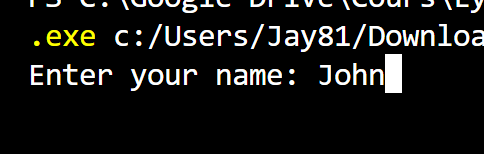
The only problem here is that the user can enter a number instead of text and this could crash our program. 😱
But we can "force" the type of variable that we want to have by using the data converters seen previously:
| int() | convert into int (whole number / integral) |
| float() | convert into float (decimal number) |
| str() | convert into str (string or text) |
So, we can write:
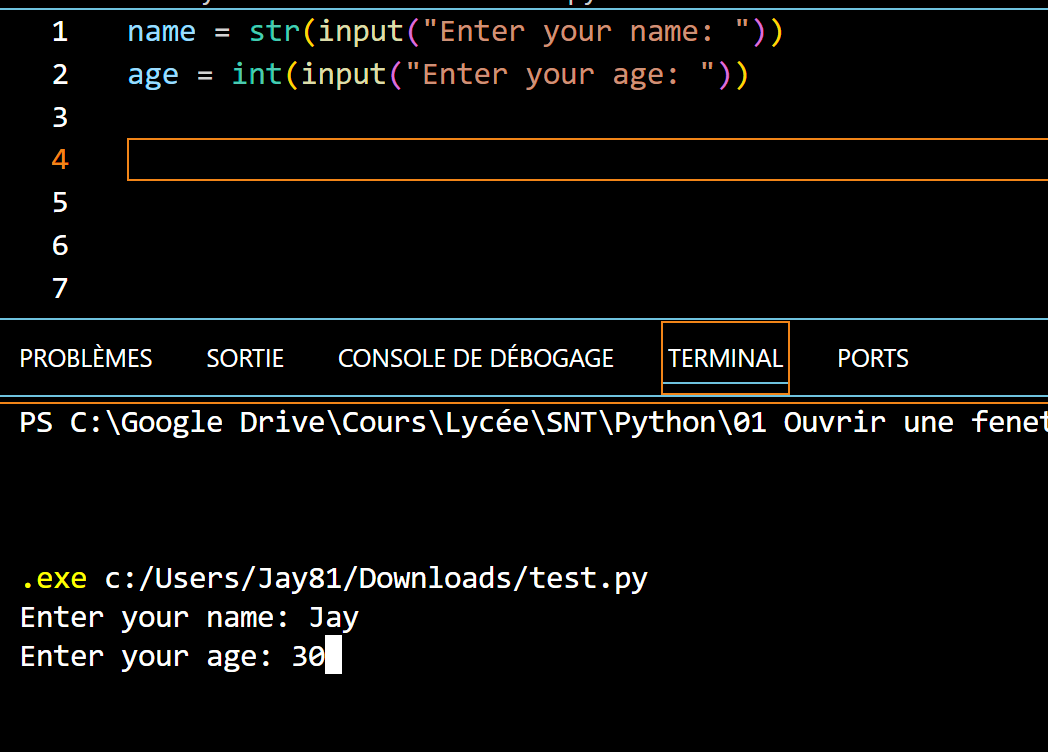
name = str(input("Enter your name: "))
age = int(input("Enter your age: "))
Which will give:
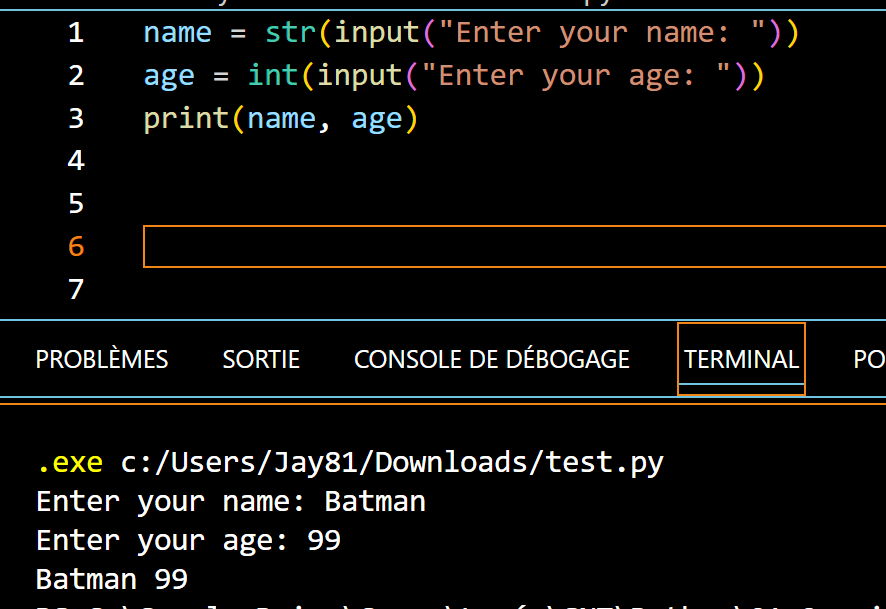
If we now want to display the result, we can use print() as before, by writing:
name = str(input("Enter your name: "))
age = int(input("Enter your age: "))
print(name, age)
Which will give:
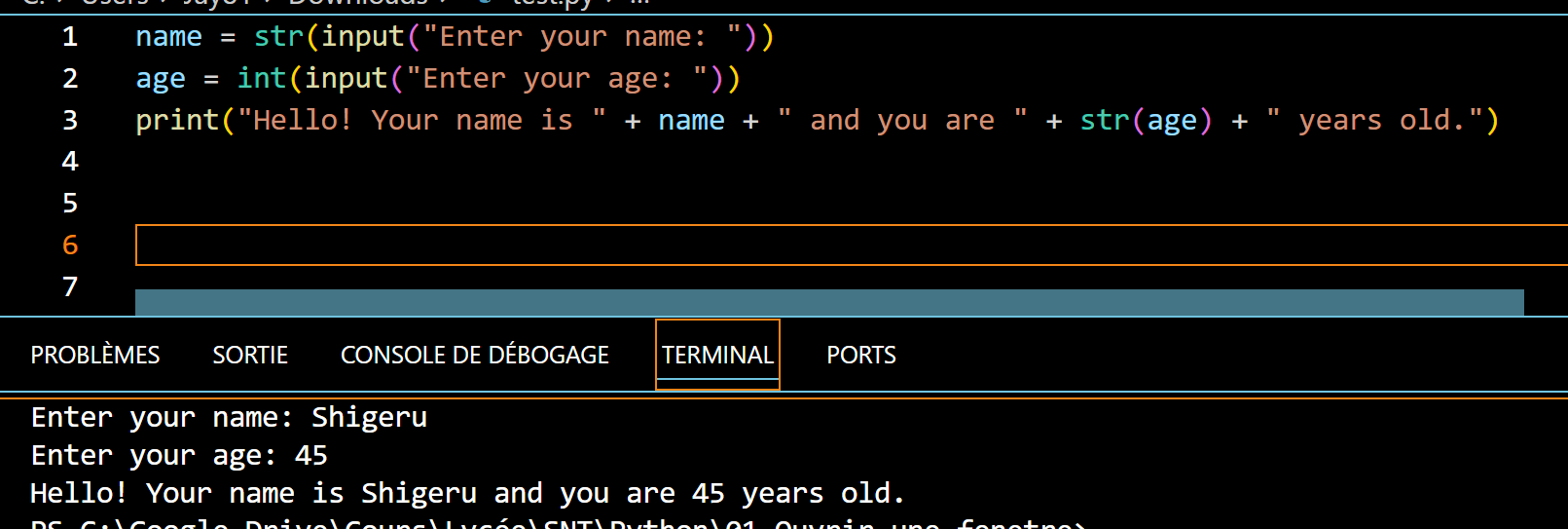
Or, if we want to be more explicit:
name = str(input("Enter your name: "))
age = int(input("Enter your age: "))
print("Hello! Your name is " + name + " and you are " + str(age) + " years old.")
Note that here, we are adding variables of type str. But age is an int. So we have to convert it to str, otherwise you will have a nice error!
Basic operations
We have just done additions yet, but we can also turn Python into a calculator by making it perform the 4 basic operations, namely:
| + | Addition |
| - | Subtraction |
| * |
Multiplication |
| / | Division |
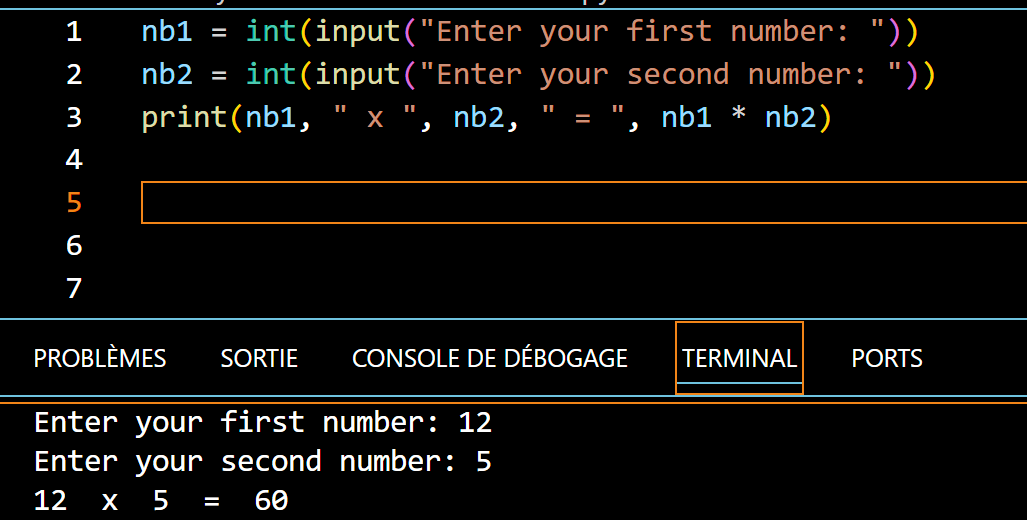
This allows the user to be asked for numbers and calculations to be made, such as:
nb1 = int(input("Enter your first number: "))
nb2 = int(input("Enter your second number: "))
print(nb1, " x ", nb2, " = ", nb1 * nb2)
Which gives:
Exercise 6 |
|
You will create a program that asks the user to enter their first name, last name, age, and phone number, and then displays the result in a sentence like: "Hello, first name last name ! You are age years old. Your phone number is: number." |
Exercise 7 |
|
You will create a program that asks the user to enter 2 numbers. You will then calculate and display the addition, subtraction, multiplication and division of these 2 numbers. |
That's it for this chapter! 😀
See you soon! ☺️